
Download
Faultline.
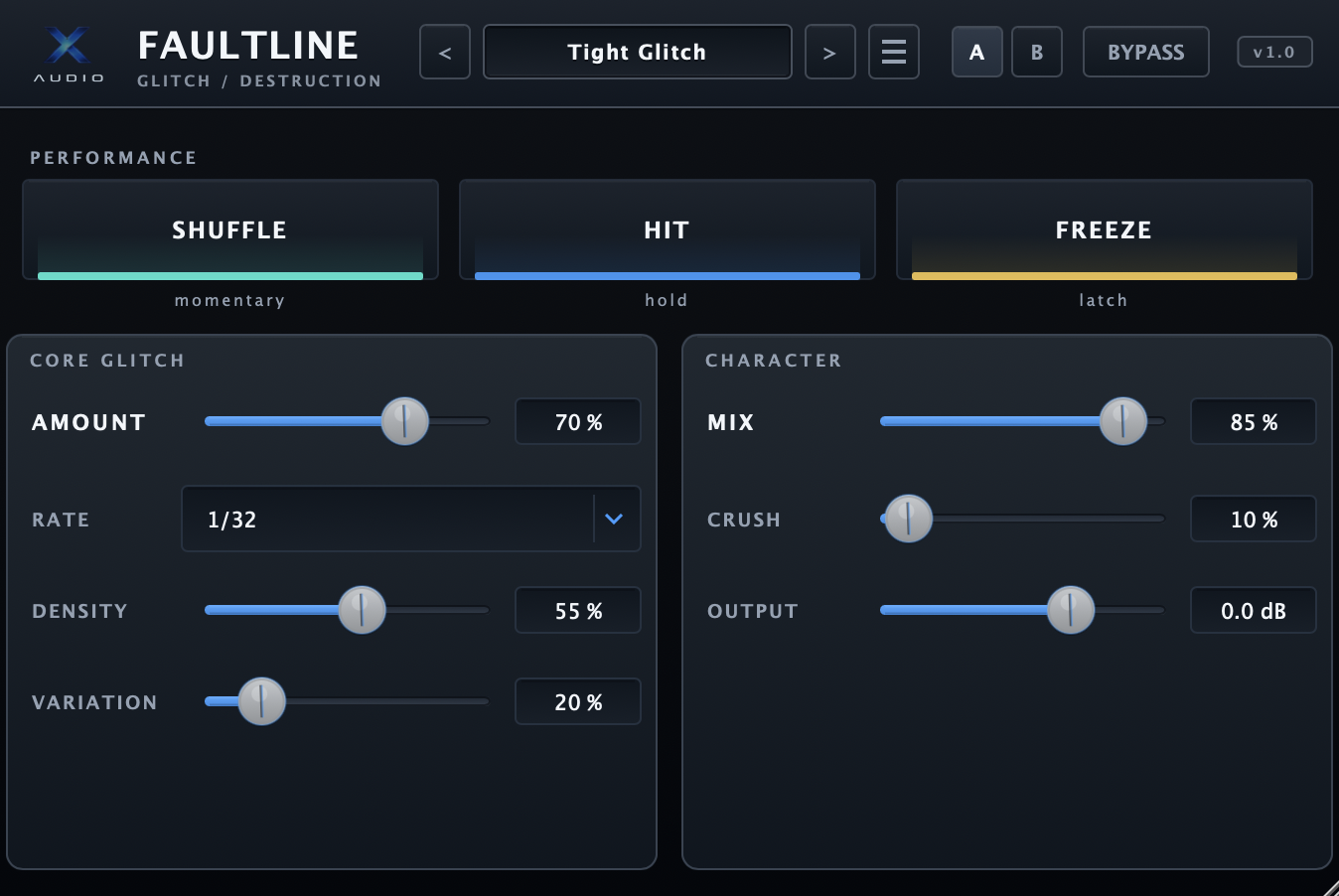
Your free copy of FAULTLINE — the boutique glitch, beat-repeat and freeze effect. Download the macOS package below and run the signed installer.
Package: Faultline_v1.0_macOS.zip · contains the signed, notarized macOS installer (.pkg) plus the user guide. Free for personal and commercial use.
Install in under a minute.
FAULTLINE ships as a signed, Apple-notarized installer — no security workarounds. After installing, rescan plugins in your DAW so it appears under X-Audio.
Unzip
Double-click Faultline_v1.0_macOS.zip to reveal Faultline-1.0.0.pkg and the user guide.
Run the installer
Double-click Faultline-1.0.0.pkg and follow the assistant. It installs both the AU and VST3 into your macOS plug-in folders automatically.
Rescan & load
Restart your DAW (rescan plugins if needed). FAULTLINE appears under X-Audio — load it on a drum, vocal or synth track.
Installs clean — no workarounds.
FAULTLINE ships as a signed, Apple-notarized installer, so it installs cleanly with no extra steps or workarounds. If a format does not appear in your DAW, rescan plugins and restart the DAW.
| Detail | Information |
|---|---|
| Version | v1.0 |
| Formats | AU (.component) & VST3 (.vst3) — Universal (Apple Silicon & Intel) |
| Installer | Signed & Apple-notarized .pkg |
| System | macOS (64-bit). Windows version planned. |
| Manufacturer | X-Audio (appears as “X-Audio / Faultline”) |
| Price | Free — personal & commercial use |
Three ways to start.
Drums
Load Garage Snap Roll or Iron Pulse on a loop, then press Hit on the build.
Vocals
Try Vocal Stutter or Vocal Freeze, then lower MIX to taste so the vocal stays intelligible.
Anything
Hit Shuffle for an instant musical re-roll, then A/B against your last idea.